
The finding to use
Check what happens after a deletion, and test an independent restore with a disposable file.
Sources checked 14 November 2026. Follow the reasoning, then use the worksheet for your own situation.
01 / Tech Ka Asli Sach
The second device may repeat the same mistake
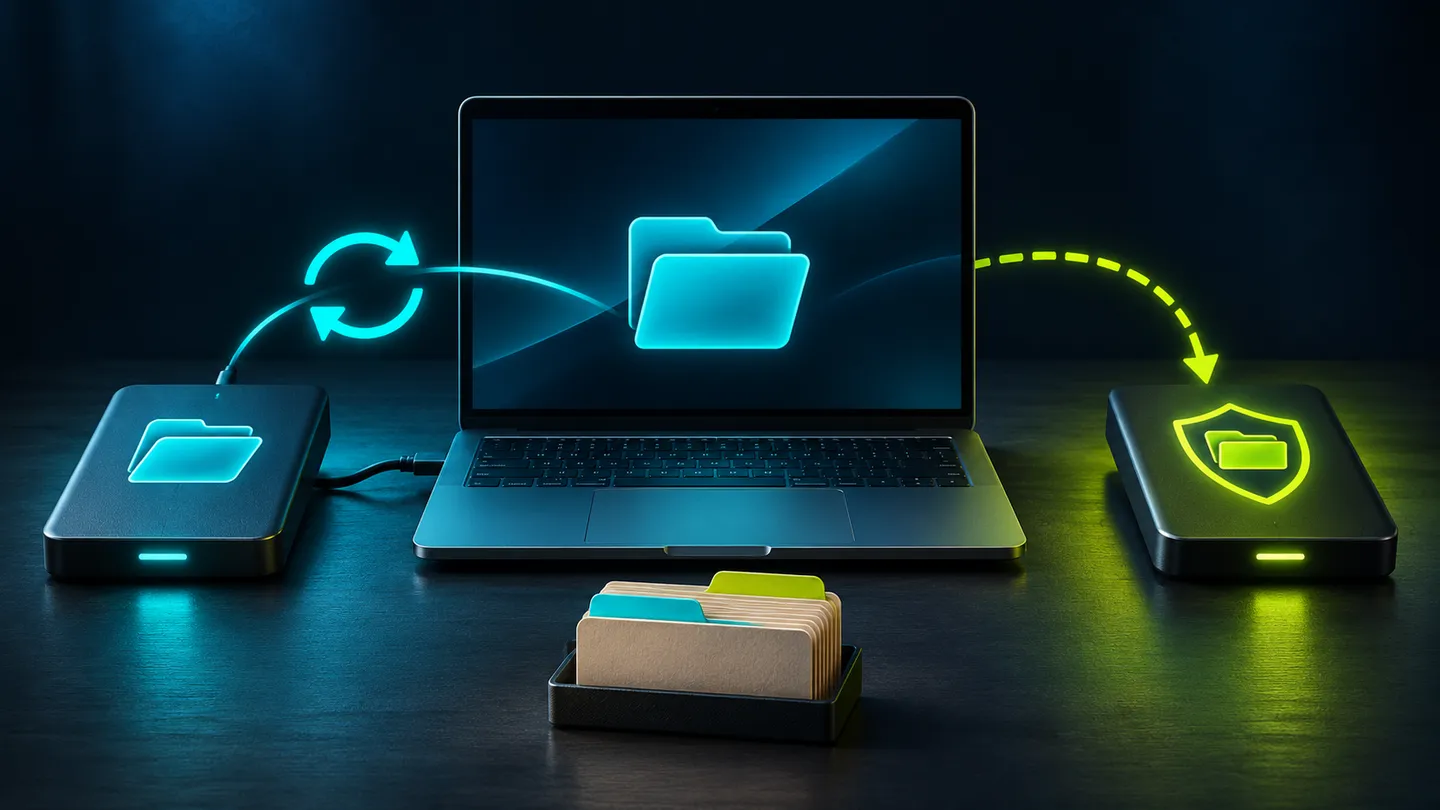
You tidy a project folder on your laptop. Later, you open it on another device and find the same files missing. If deletion is part of the sync process, the second screen may have faithfully repeated the change you now regret.
Google Drive’s help page makes this concrete: when you mirror or stream files between Drive and a computer, files moved to trash are put there everywhere. The page also describes its trash and permanent-deletion rules. [1] Check the service and account you actually use; do not assume another provider has identical behavior.
Sync is useful. The question is which recovery options exist when the change being synced is the problem.
Before buying more storage, write down the loss you want to recover from. A failed laptop, an overwritten draft and a lost account login are different failures. One convenient feature may not cover all three.
02 / Tech Ka Asli Sach
Ask three separate recovery questions
Availability: could you reach the file if this laptop stopped working? History: could you recover the version from before a bad edit? Independence: could you recover a usable copy if the normal account or sync service were unavailable?
A service can help with several of these needs. Its name, storage capacity or cloud icon does not tell you the retention period, restore scope or access requirements. Read the documentation for your plan and, for a work account, any administrator-controlled rules.
Use a folder-level inventory. Your project folder may be included while a recording saved somewhere else is not. “My computer backs up” is too broad an answer when only selected folders are covered.
For each important folder, record the working location, the recovery method, what access it requires and the last time you checked it. Mark uncertainty rather than assuming a green icon establishes everything you need.
03 / Tech Ka Asli Sach
Protect the work you cannot recreate
Start with originals: recordings, photographs, project files, signed documents and the records your work depends on. Prioritize by the cost of losing them, including effort and personal value, rather than file size alone.
Consider a creator finishing a client edit. The exported video matters, but so might the source footage and project file needed for a revision. A copy of the export is not automatically a recovery plan for the whole project. This is an example to help you inventory the work, not a claim about a particular backup product.
Choose another usable copy and a process you can maintain. An external drive can be one component. It still needs current files, appropriate storage and a way to retrieve them. A drive bought and left empty has solved nothing.
If encryption is involved, follow the tool’s guidance for recovery material. Avoid making access depend entirely on the same device or account you are trying to protect against losing. Do not put secrets into an ordinary spreadsheet just because the spreadsheet is labelled “backup plan”.
04 / Tech Ka Asli Sach
Test a restore with something disposable
Create a temporary folder containing a short text file with a recognizable sentence. Use your intended backup process, then restore a copy into a different temporary location. Open it. Check that it contains what you expected.
Write down the steps while they are fresh: which device you used, what login was required, where the restored file appeared and any point where you had to guess. If the instructions make sense only while the original laptop works, investigate the recovery route for a failed laptop too.
Use disposable test data throughout. Never delete original work to prove that a backup exists, and do not empty trash or remove backups as an experiment. If you examine sync behavior, keep the test limited to the temporary folder and follow the provider’s instructions.
A successful small restore shows that those steps worked for that file at that time. Next, confirm coverage and representative file types. Do not generalize a one-file success into a promise about everything on the device.
05 / Tech Ka Asli Sach
Give retention and access a place in the plan
Find out how far back you can go and what happens after deletion. Google Drive’s published trash period, for example, is a specific service rule, not a reason to postpone making another copy indefinitely. [1] Recheck the current documentation before relying on any retention figure.
Also ask who can perform the restore. A business may depend on an administrator or a former employee’s account. A household may depend on one person remembering the setup. Record the process so the intended person can find it, without exposing credentials.
Choose a review interval based on how much new work you could afford to lose. A folder that changes after every recording session needs a different routine from an archive you rarely touch. There is no universal interval established by this guide.
Review after changing laptops, accounts, sync settings or storage providers. Those are exactly the moments when an old, comfortable assumption can stop matching the current setup.
06 / Tech Ka Asli Sach
Leave yourself a usable recovery note
Keep a short record: important folder, current working location, independent recovery copy, required access, last completed backup and last successful restore. Add unresolved questions and the person responsible for resolving them.
If the process is too complicated to repeat, simplify it. A modest plan you maintain is more useful than an elaborate arrangement nobody has checked.
You do not need a disaster to learn whether recovery is possible. Restore the disposable file while the original is safe, then use what you learn to protect the files that matter.
Recovery worksheet
| Important folder | Recovery record | What to confirm |
|---|---|---|
| Working location | Which folders are covered | Original files are included |
| Recovery copy | Independent usable copy and access | How to reach it without the main device |
| Restore test | Date, disposable file and restore location | Restored content opens correctly |
| Maintenance | Responsible person and review trigger | Changes in account, device or sync settings |
Sources & revision note
Primary sources checked 2026-11-14. Practical frameworks are editorial guidance; illustrative examples are not measured results.
Revision 2 · 2026-11-14: Rewritten with clearer examples, a practical worksheet and a stronger decision checklist.
Keep the useful part
Take the decision back to your work.
Check what happens after a deletion, and test an independent restore with a disposable file.
This preference is private to this browser, not a public vote count.